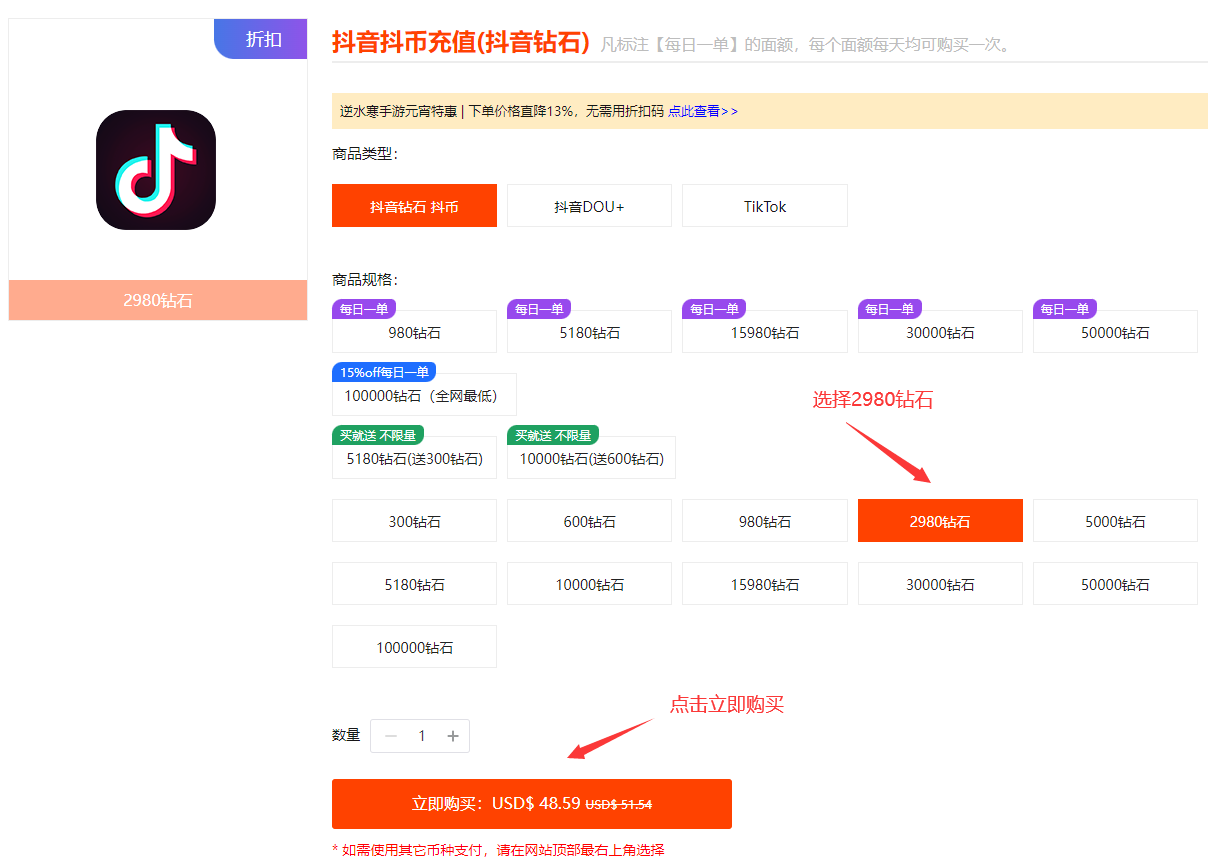

How do I place an order to top up multiple denominations in a single transaction?
Hi KA baby,
If you find that the denomination you want is not available when you place an order , you should check out this tip.
If you can't find the denomination you need to order, you can try increasing the quantity. The purchase quantity can be set freely; except for items with a daily limit of one denomination or a monthly limit, you can increase the quantity for most items.
For example : If you want to order 1200 Douyin diamonds but find that this option is not available, you can first select 600 Douyin diamonds and change the purchase quantity to 2, as shown in the image below:
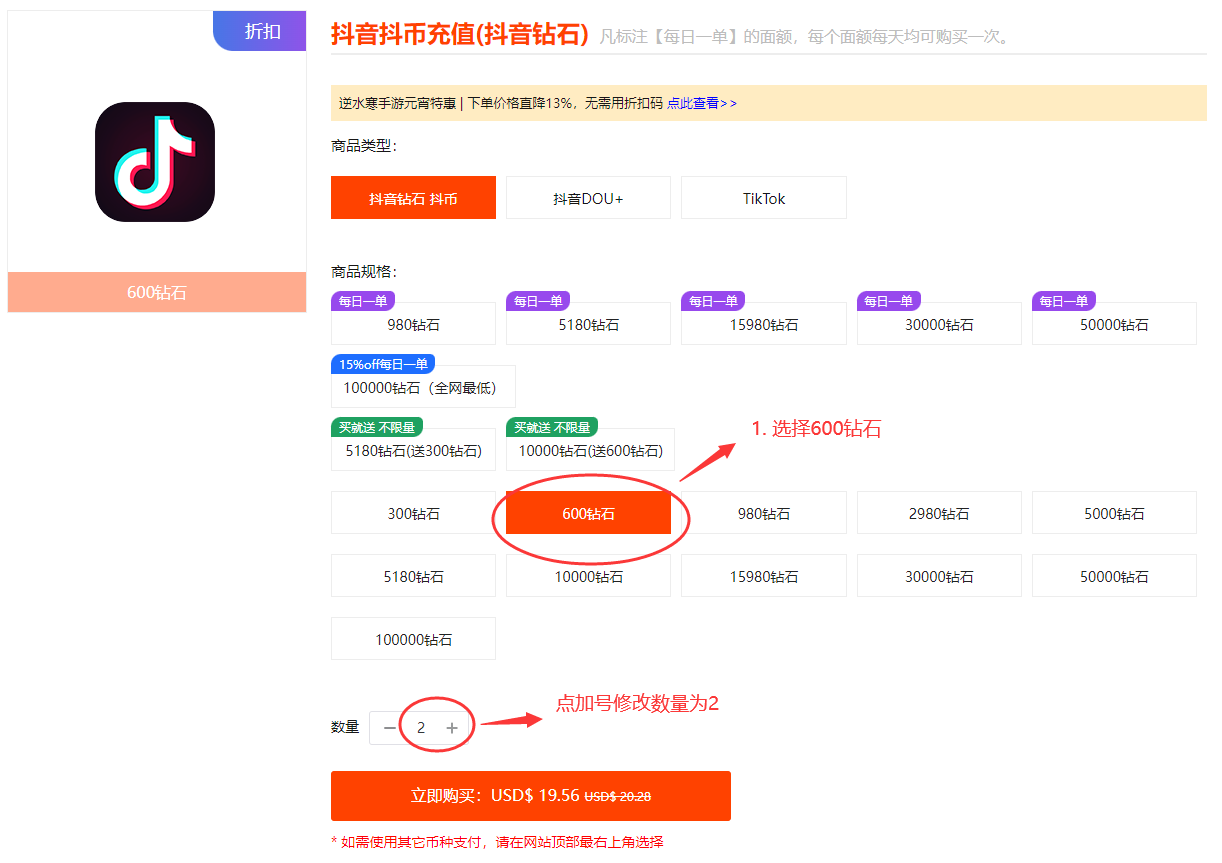
Please note : Items marked with " One Order Per Day " or "One Order Per Month" cannot be purchased in larger quantities due to their already significant discounts.
If you can't find the denomination you need to order, you can also try purchasing multiple different combinations of sizes.
For example : If you need to order 3960 Douyin diamonds, you can:
First, select 980 diamonds, then click "Buy Now" to add the item to your shopping cart.
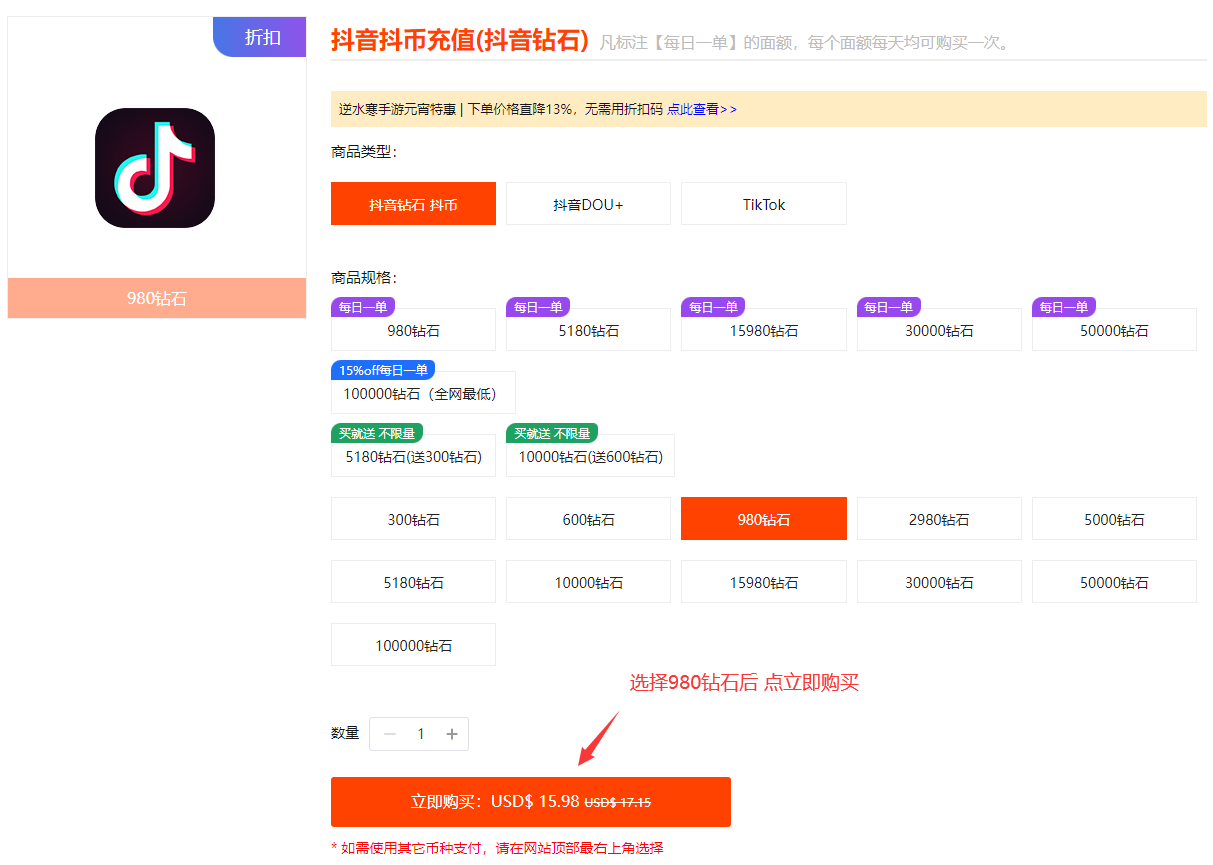
After confirming that the 980 diamonds have been added to your shopping cart, click the browser's back button to return to the Douyin product page.
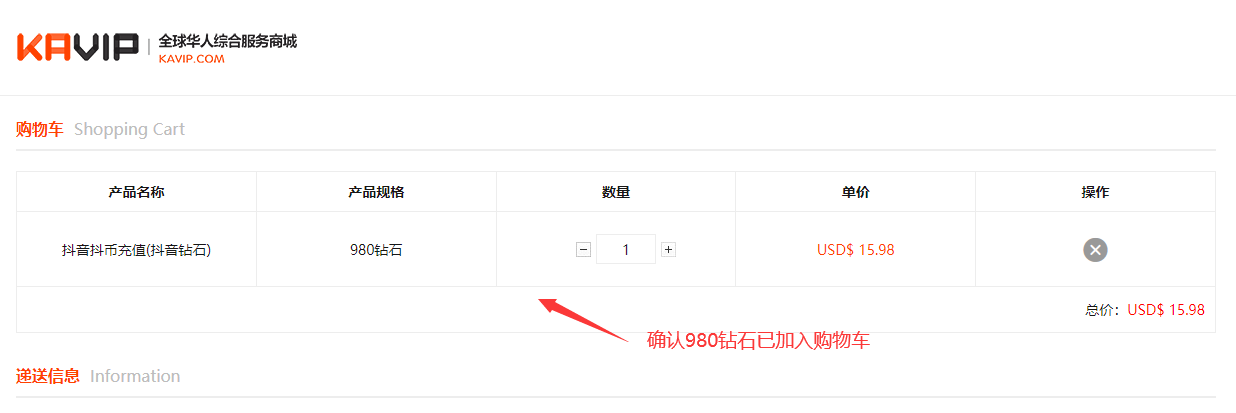
Select 2980 diamonds, click "Buy Now" again, and complete the payment after confirming the recharge information in your shopping cart.